
TL;DR
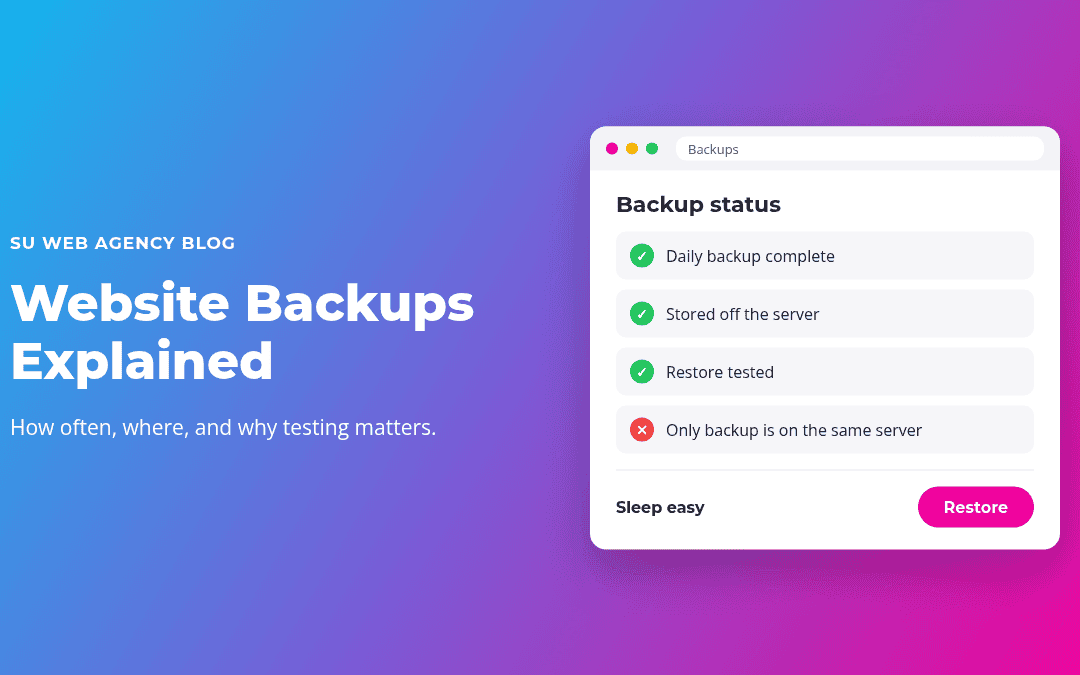
- A backup is a complete copy of your website (files and database) you can restore if something goes wrong.
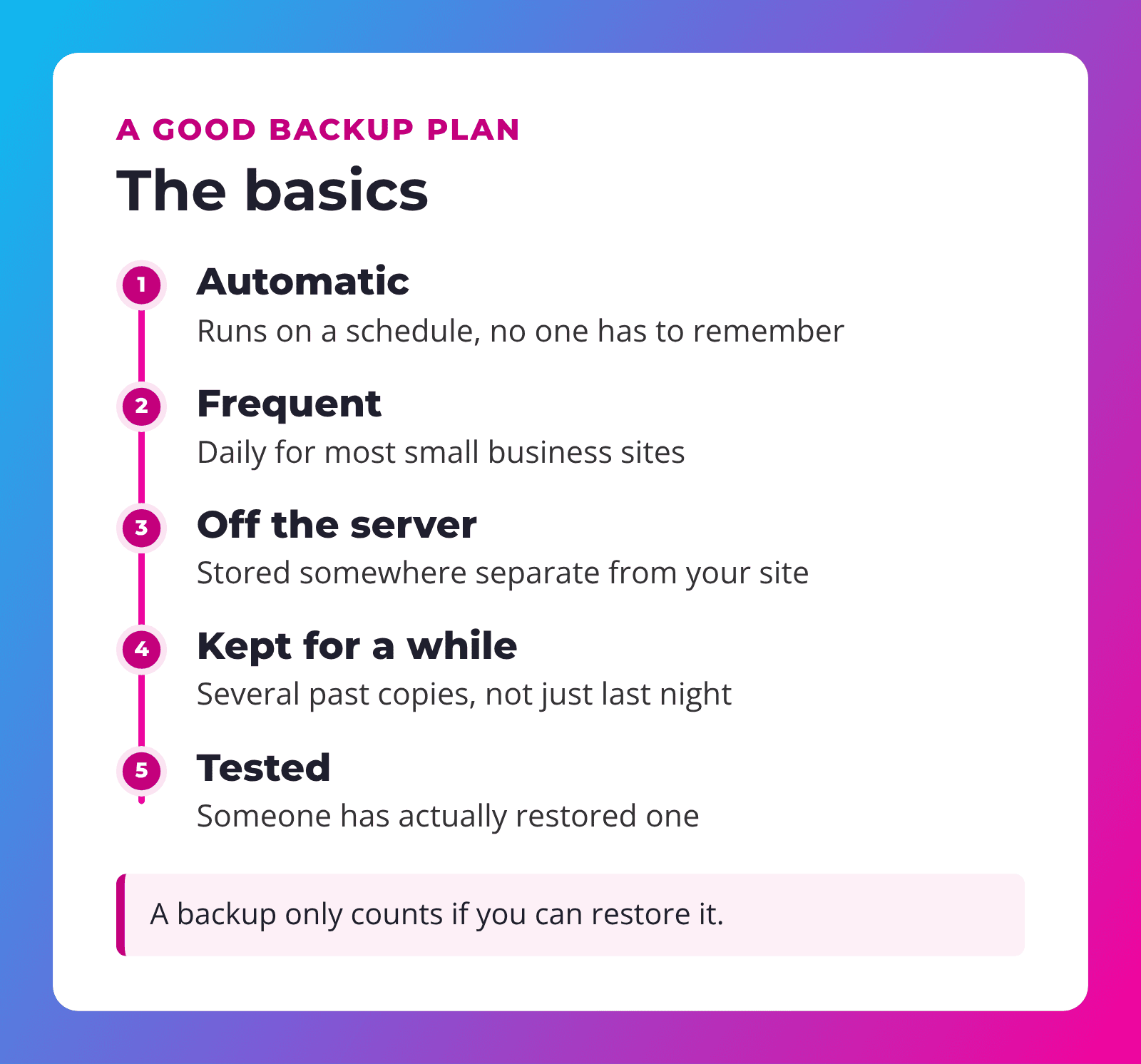
- Most small business sites should be backed up automatically, every day.
- Backups should be stored off the server your site runs on, and kept for a while.
- A backup you have never restored is a guess. Make sure someone has tested it.
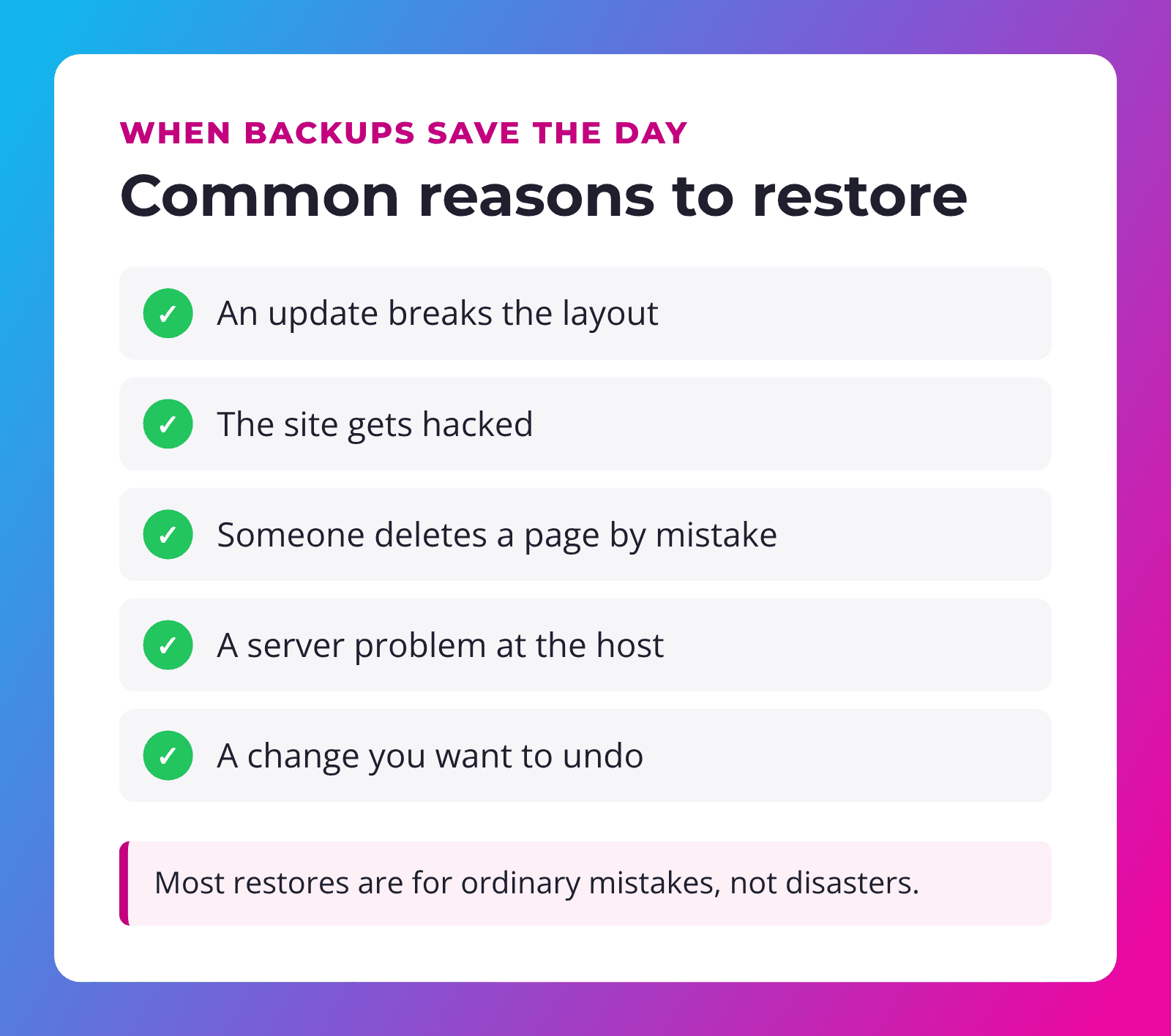
Most business owners don't think about website backups until the day they need one. A plugin update breaks the home page, a staff member deletes the wrong page, or the site gets hacked. In that moment, the only question that matters is: can we put it back the way it was?
With an IT background that goes back before we started building websites in 2010, we've seen plenty of "the backup didn't work" stories, on websites, servers and computers. Here's what a solid backup plan looks like, in plain English.
What is a website backup?
A WordPress website is made of two parts:
- Files: the WordPress software, your theme, plugins and uploaded images and documents.
- Database: your pages, posts, settings, form entries and (if you sell online) orders and customers.
A full backup saves both, together, at a point in time. If something goes wrong, you can restore the site to how it looked at that moment.
How often should you back up?
It depends on how often your site changes. Ask yourself: "How much work could I stand to lose?"
| Your site | Suggested backups |
|---|---|
| Brochure site that rarely changes | Daily is a safe default |
| Site with a blog or frequent updates | Daily, plus before any big change |
| Online store or bookings | Daily or more often, since orders come in all day |
Whatever the schedule, it should be automatic. Backups that depend on someone remembering to click a button eventually get forgotten.
Where backups should be stored
This is where many backup plans quietly fail. If the only copy of your backup is stored on the same server as your website, a serious server problem or a hack can take out both at once.
Good backups are stored off the server, in a separate location. That way, if your site has a bad day, your backups don't.
Remember: a backup on the same server as your website is like keeping your spare house key inside the house.
How long to keep backups
Not every problem shows up right away. A hacked file or a broken page might go unnoticed for days. If you only keep last night's backup, you might be restoring a copy that already has the problem.
Keeping several past copies, such as daily backups going back a few weeks, gives you options.
Why testing matters
Backups fail more often than people expect. Files can be incomplete, a database might not be included, or the backup tool might have stopped running months ago without anyone noticing.
The only way to know a backup works is to restore it, ideally to a test copy of the site, not your live one. You don't need to do this every week, but someone should check it regularly and after big changes to the site.
"Nobody cares about backups until they need one. Then it's the only thing that matters."
Backups before updates
Updates are the most common reason a working site suddenly looks broken. A plugin update can clash with your theme, or a WordPress update can change how something behaves. That's not a reason to skip updates (skipping them is riskier, as we explain in our post on why WordPress updates matter). It's a reason to have a fresh backup before you run them, so a bad update takes minutes to undo instead of days.
Extra care for online stores and booking sites
If your website takes orders, bookings or form submissions, backups need a little more thought. New information arrives all day, so a backup from last night doesn't include this morning's orders. Restoring an old copy could wipe out real customer activity.
For these sites, it helps to:
- Back up more often, especially during busy seasons.
- Restore carefully. Sometimes it's better to fix the specific problem than to roll the whole site back.
- Keep order emails and payment records in your payment provider as a second record.
- Schedule big changes for quiet times, with a fresh backup right before.
Should you keep your own copy?
It doesn't hurt. Some business owners like to have a recent full backup saved in their own cloud storage, separate from their web host and web designer. If you ever change providers, that copy can make the move smoother. Ask whoever looks after your site whether they can provide one now and then.
What a backup is not
- Not a security plan. Backups help you recover from a hack, but they don't prevent one. You still need updates and security tools.
- Not the same as your host "probably having something." Ask your host exactly what they back up, how often, and how long they keep it.
- Not a copy of your site on a designer's laptop. That copy is usually old and might not include your database.
Questions to ask whoever looks after your site
- How often is my site backed up, and is it automatic?
- Where are the backups stored?
- How many past copies do you keep?
- When did you last test a restore?
- If something breaks, how quickly can you restore it, and is that included?
If you don't know the answers, it's worth finding out now, before you need them.
How our Service Plans handle backups
Every one of our Service Plans includes daily backups on managed WPMU DEV hosting, along with weekly WordPress, theme and plugin updates and weekly website checks. Level 4 offers daily or hourly backups for busier sites. If something goes wrong, we restore it.
Not sure what your current plan covers? Our guide to what a website care plan should include gives you a checklist to compare.
Frequently asked questions
How often should a small business website be backed up?
Daily is a good default for most small business sites. Online stores and busy sites may need more frequent backups.
Doesn't my web host already back up my site?
Many do, but plans vary a lot. Ask exactly what is backed up, how often, where it's stored and how long it's kept.
What's included in a full WordPress backup?
Both the files (WordPress, theme, plugins and uploads) and the database (pages, posts, settings, orders and form entries).
Can I back up my own site with a plugin?
Yes, backup plugins exist. Make sure backups run automatically, are stored off the server, and that you know how to restore them.
How long does it take to restore a website?
With a good, recent backup, often a short time. Without one, rebuilding can take days or weeks.
Want backups you never have to think about?
SU Web Agency has looked after websites and servers since 2010. Our Service Plans include daily backups, weekly updates and checks, and help when something goes wrong.
Questions first? Request more info and we'll get back to you.
