
TL;DR
- Slow websites frustrate visitors, and many people give up and go elsewhere.
- The most common causes: oversized images, no caching, weak hosting, too many plugins and outdated software.
- You can test your speed for free with Google PageSpeed Insights.
- Most fixes are straightforward. The right hosting and regular care keep a site fast over time.
You tap a link, and wait. And wait. Most of us have left a website because it took too long to load. Your customers do the same thing. If your business website feels sluggish, especially on a phone, it's worth finding out why.
Speed problems are part website, part server. With an IT background in servers and hosting, and building websites since 2010, we look at both. Here are the most common causes we see, and what to do about them.
First, test your speed
Before changing anything, get a baseline. Google's free PageSpeed Insights (opens in a new tab) tool tests any page and gives you a score for mobile and desktop, along with suggestions.
A few tips:
- Test the mobile score. It's usually lower, and many of your visitors are on phones.
- Test a few pages, not just the home page. A heavy gallery page might be the real problem.
- Don't chase a perfect 100. Focus on how fast the page feels and on fixing the big issues it flags.
- Run it more than once. Scores can vary a little from test to test.
The most common causes of a slow website
1. Oversized images
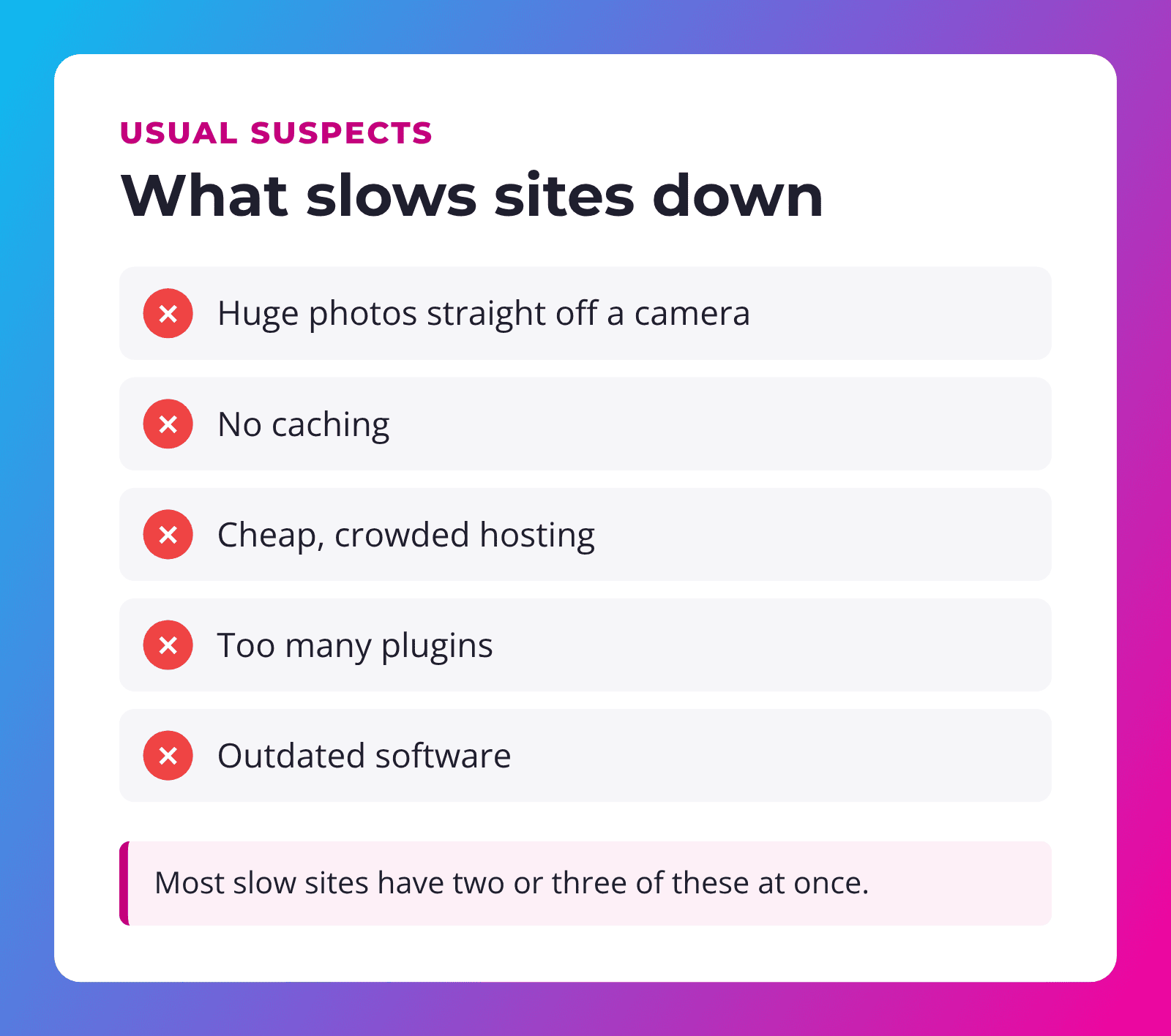
This is the number one issue we see on small business sites. A photo straight from a modern phone or camera can be several megabytes, far bigger than needed on a web page. Upload a dozen of those to a gallery and the page crawls.
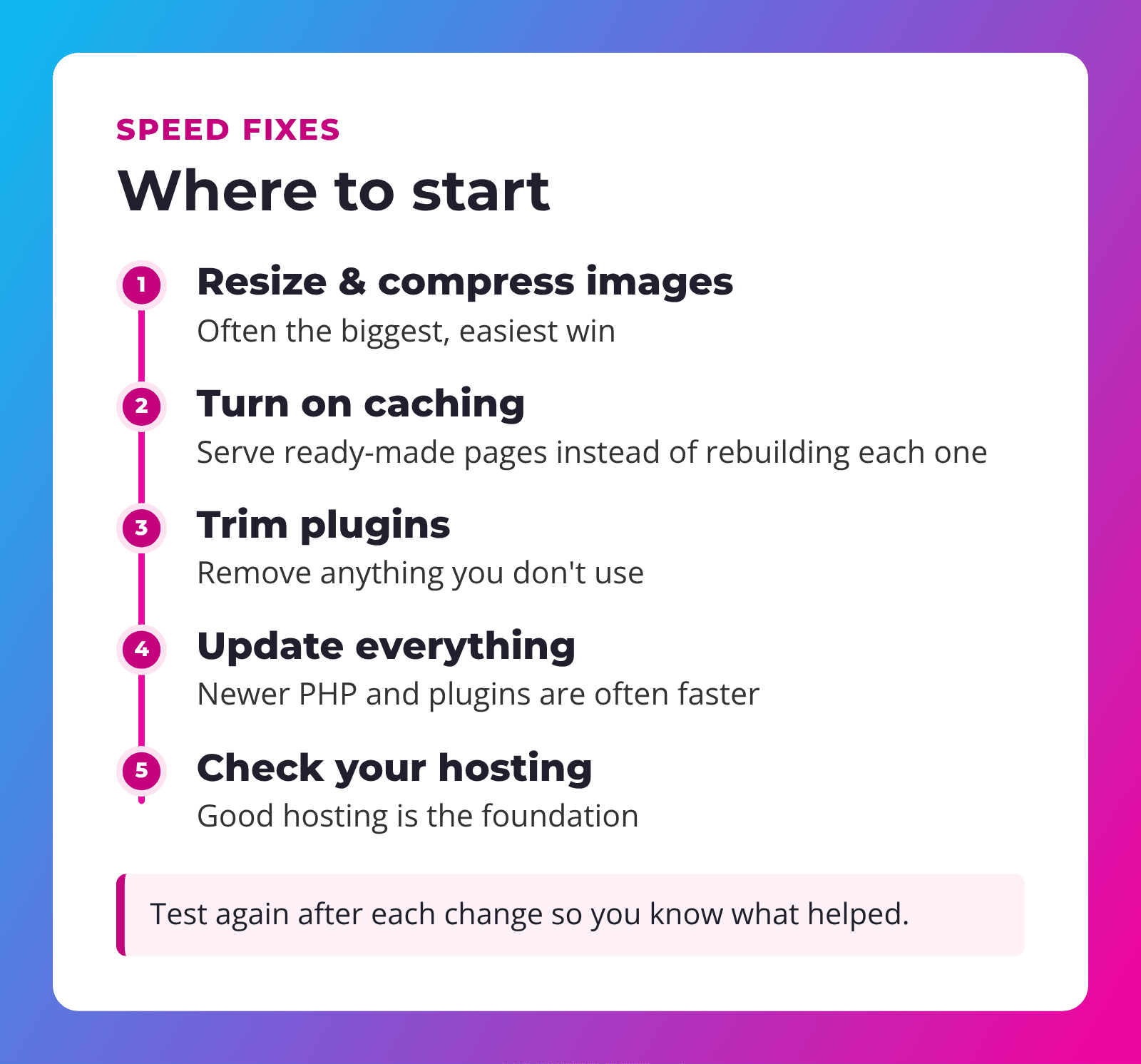
The fix: resize images to the size they'll actually display, compress them, and use modern formats like WebP where possible. An image optimization plugin can do much of this automatically.
2. No caching
Without caching, WordPress builds each page from scratch every time someone visits. Caching saves a ready-made copy and serves that instead, which is much faster.
The fix: use a caching plugin or hosting with caching built in, set up correctly for your site.
3. Weak or crowded hosting
Very cheap hosting often means your site shares a server with many others. When the server is busy, your site slows down, and there's little you can do about it from inside WordPress.
The fix: quality managed hosting built for WordPress. It's the foundation everything else sits on.
4. Too many plugins (or heavy ones)
Plugins add features, but each one can add code that loads on every page. It's less about the number and more about what each plugin does. One badly built plugin can slow a site more than ten good ones.
The fix: remove plugins you don't use, and replace heavy ones with lighter options where you can.
5. Outdated software
Older versions of PHP (the language WordPress runs on), WordPress itself and plugins can be slower, and less secure. Updates often include speed improvements.
The fix: keep everything updated, including PHP, with a backup in place first.
Quick win: if you only do one thing today, check the size of the images on your slowest page.
How to prepare images before you upload
Because images are such a common cause of slow pages, a little prep goes a long way. Before uploading photos to your site:
- Resize them. A photo that displays about the width of a laptop screen doesn't need to be the full size your phone captured. Around 2,000 pixels wide is plenty for most full-width images, and smaller for photos in columns.
- Compress them. Free tools can shrink file sizes a lot with little visible difference.
- Name them clearly, like cedar-city-kitchen-remodel.jpg instead of IMG_4821.jpg. It helps you stay organized and gives search engines context.
- Add alt text describing what's in the photo, for visitors using screen readers.
If you're on one of our Service Plans, send us the photos and we'll take care of the rest.
Other things that can slow you down
- Auto-playing videos and big sliders on the home page.
- Lots of outside scripts, like chat widgets, tracking codes and social feeds.
- Custom fonts loaded in many weights and styles.
- Embedded maps and videos that load before visitors need them.
None of these are bad on their own. The question is whether each one earns its place on the page.
Don't forget the server side
Some speed problems can't be fixed from inside WordPress at all. If the server takes a long time to respond before anything even starts loading, the issue is usually the hosting: an overloaded shared server, an old PHP version or missing server-level caching. PageSpeed Insights often reports this as a slow "server response time." When we see that, we look at the hosting first, because no amount of image tweaking will make up for a slow foundation.
Why speed matters for your business
- Visitors stay longer when pages respond quickly.
- More people contact you when your phone number and form appear right away.
- Search engines notice. Google has said page experience, including speed, is one of many things it considers.
- Mobile visitors on slower connections, common in rural areas, get a much better experience.
"A fast website feels trustworthy. A slow one makes people wonder if anyone's home."
Keeping it fast over time
Speed isn't a one-time fix. New photos get uploaded, plugins get added and software ages. A site that was fast at launch can slowly get heavier. That's where regular care comes in: someone keeping an eye on updates, image sizes and performance, so small problems don't pile up.
How we keep sites fast
Our Service Plans run on managed WPMU DEV hosting and include a cache plugin, image optimization, PHP on the latest version and weekly updates and checks. Higher levels add premium caching and performance tools, and Level 4 adds faster NVMe storage.
We also build sites with Divi 5, a standard, well-supported WordPress page builder, and keep them lean from the start. If you're curious about lightweight, app-like sites, see our post on why web apps are awesome.
Frequently asked questions
How do I check my website speed?
Use Google's free PageSpeed Insights at pagespeed.web.dev. Test the mobile version and a few different pages.
What is the most common cause of a slow website?
On small business sites, it's usually oversized images. Resizing and compressing them is often the easiest big improvement.
Will changing hosting make my site faster?
If your current hosting is crowded or underpowered, better hosting can make a big difference. It's the foundation for everything else.
Do too many plugins slow down WordPress?
They can, but it depends on the plugins. One heavy plugin can matter more than several light ones.
Do I need a perfect PageSpeed score?
No. Focus on how quickly the page feels for real visitors and on fixing the major issues the tool points out.
Is your website slower than it should be?
SU Web Agency has worked with websites and servers since 2010. We'll take a look at what's slowing your site down and explain the fixes in plain English.
Already have a website? Our Service Plans keep it fast, secure and up to date, starting at $79/mo.
