
TL;DR
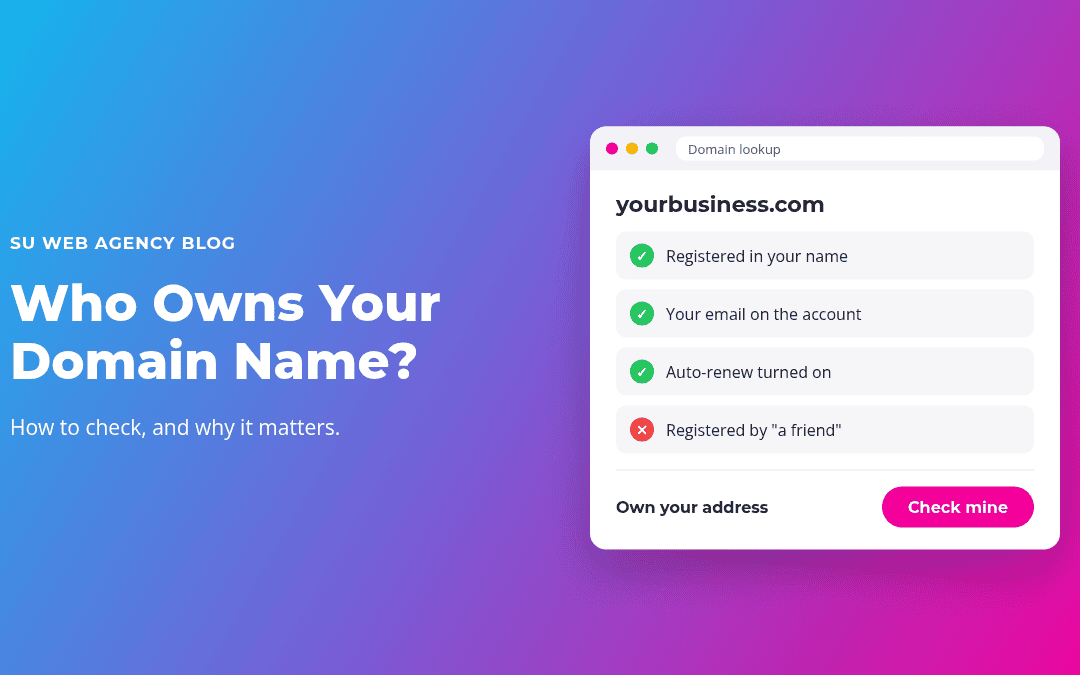
- Your domain name (yourbusiness.com) is your address online. It runs your website and often your email too.
- If a past web designer, employee or relative registered it, they may legally control it.
- You can check the registrar with a free lookup, then make sure the account is in your name with your email.
- Turn on auto-renew and keep your billing details current. Expired domains can be bought by someone else.
Here's a situation we see more often than you'd think: a business owner wants to update their website, change hosts or set up new email, and discovers nobody knows who registered the domain name. Maybe it was a past web designer, a former employee or a nephew who "was good with computers." Suddenly a simple project is stuck.
Before SU Web Agency started building websites in 2010, our background was in IT: servers, hardware, software, domains and hosting. Domain problems are one of the most common, and most avoidable, headaches we help businesses untangle. Here's how to make sure yours is in good shape.
What a domain name actually is
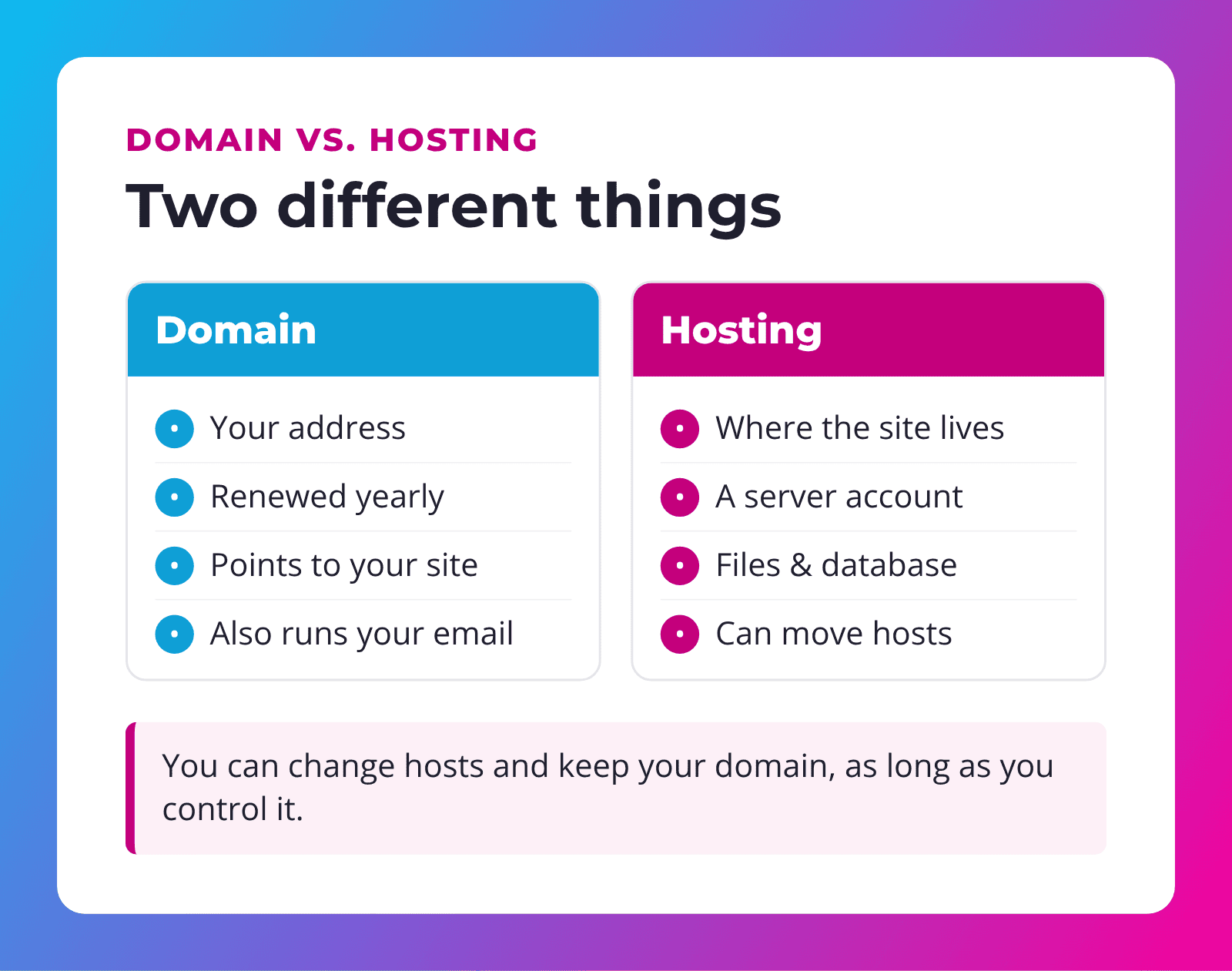
Your domain name is the address people type to reach you, like yourbusiness.com. You don't buy it forever. You register it for a set time (usually one year or more) through a company called a registrar, and renew it to keep it.
The domain does two big jobs:
- Points to your website so visitors land on the right server.
- Routes your email if you use addresses like you@yourbusiness.com.
That's why losing control of a domain is so painful. It can take your website and your email down at the same time.
Why it matters who owns it
Whoever controls the registrar account controls the domain. If that's not you:
- You can't make changes without tracking them down, like pointing it to a new website or setting up email.
- It might expire if renewal reminders go to someone who no longer works with you.
- You could lose it. Once a domain expires and passes the grace period, anyone can register it.
- Disputes get messy. If a relationship ends badly, getting your domain back can take time and money.
Rule of thumb: your business domain should be registered in your business name, with an email address you control, on an account you can log in to.
How to check who owns your domain
Step 1: Look it up
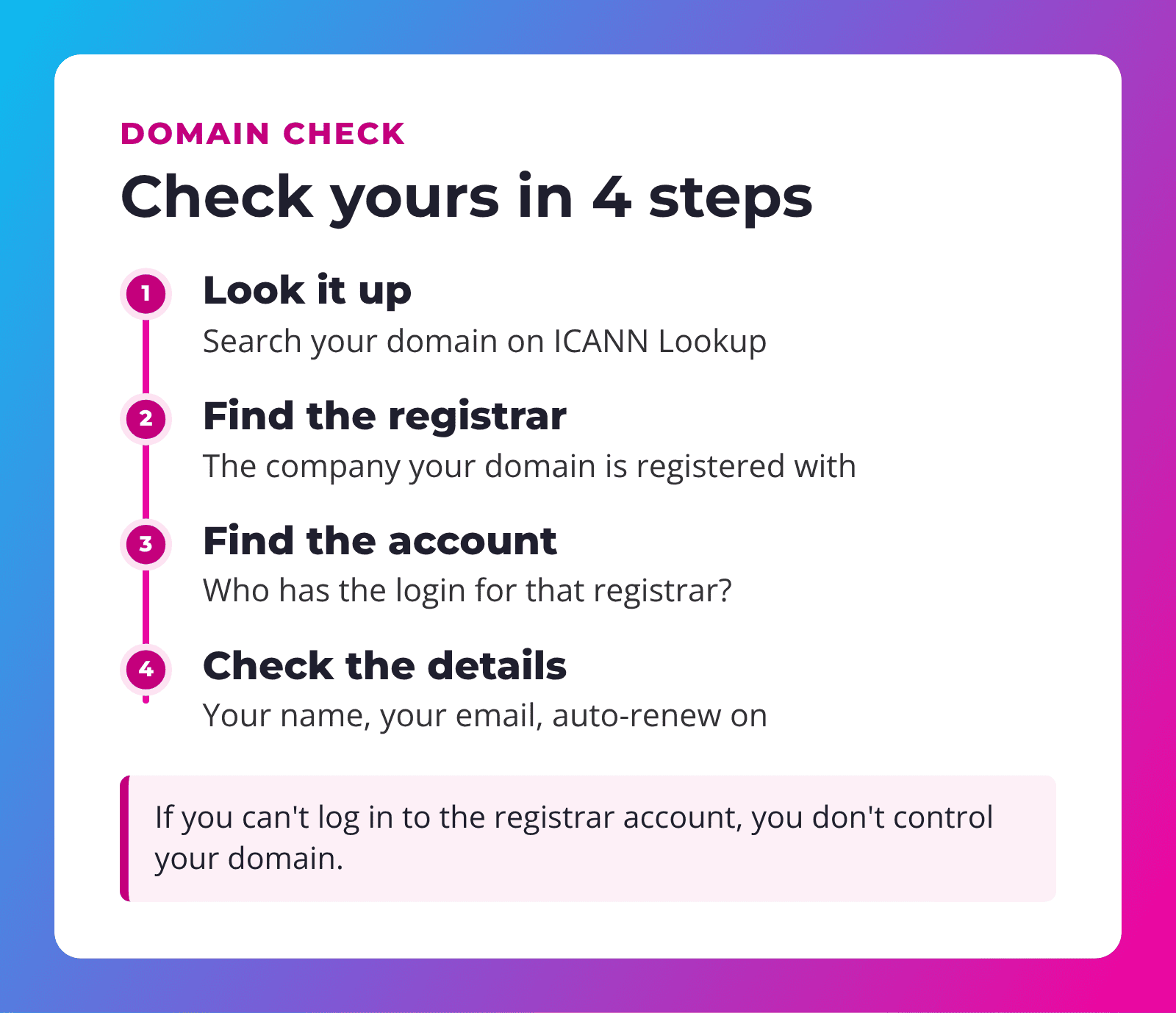
Go to ICANN Lookup (opens in a new tab) and search your domain. It shows the registrar, the registration and expiration dates and, sometimes, contact details. Many domains use privacy protection, so you may not see a name. That's normal.
Step 2: Note the registrar
The lookup tells you which company your domain is registered with. That's where the account lives.
Step 3: Find the account
Do you have a login for that registrar? Search your email for messages from that company, such as renewal notices or receipts. If you find nothing, the account probably belongs to someone else.
Step 4: Check the details
Once you're logged in, confirm:
- The registrant (owner) is you or your business.
- The email on the account is one you check regularly.
- Auto-renew is on and the payment card is current.
- The expiration date isn't coming up soon.
If someone else has your domain
Don't panic. Most of the time it's fixable.
- Ask nicely. Contact the person who registered it and ask them to move it to an account in your name. Most registrars let you "push" a domain from one account to another.
- Or transfer it. They can give you an authorization code (sometimes called an EPP or transfer code) so you can move it to your own registrar account.
- Contact the registrar if the person can't be reached. They have their own process for proving ownership.
- Get help. If things get complicated, a professional can walk you through it.
The rules for moving domains between registrars are set by ICANN. Their transfer policy (opens in a new tab) explains the details, including waiting periods after some changes.
"A domain is the one piece of your website you should never let anyone else hold for you."
Don't forget your email
If you use email addresses on your domain, like info@yourbusiness.com, your domain settings decide where that email goes. Those settings are called DNS records. Think of them as the address book for your domain: one entry says where your website lives, another says where your email should be delivered.
This matters in a few common situations:
- Changing website hosts. If the move isn't planned carefully, email records can be lost along the way and messages stop arriving.
- Changing email providers. The records need to be updated to point to the new provider.
- A domain expiring. Your email stops working along with your website.
Before any change, make a copy of your current DNS records. It takes a few minutes and can save days of missing email.
Keep your domain safe going forward
- Turn on auto-renew, and register for multiple years if you like.
- Use an email you'll always have, not a personal address of an employee who might leave.
- Turn on two-factor login at your registrar, if offered.
- Keep a record of the registrar, login and renewal date in a safe place.
- Get your logins before a developer leaves. Our checklist on what to get before your web developer leaves covers domains and more.
How we help
When we build a website, the domain stays yours. We can help you register a new domain or connect the one you already have. With our IT background, we're comfortable sorting out the technical side, like DNS settings that point your domain to your website and email, so you don't have to.
Our Service Plans keep your website hosted, backed up and updated, and we'll happily help you check that your domain is in your name when you sign up.
Frequently asked questions
Do I own my domain forever?
No. You register it for a period of time and renew it. As long as you keep renewing, it stays yours.
Why can't I see my name in the domain lookup?
Many registrars hide contact details for privacy. The lookup still shows the registrar, which tells you where to look.
What happens if my domain expires?
Your website and email can stop working. After a grace period, the domain can be released and registered by someone else.
Can I move my website without moving my domain?
Yes. Your domain and hosting are separate. You can change hosts and simply point your domain to the new server.
Should my web designer register my domain for me?
It's fine for them to help, but it should be registered in your name, on an account you can access.
Not sure who controls your domain?
SU Web Agency has an IT background in servers, domains and hosting, and has built websites since 2010. We'll help you check, and help get it in your name.
Already have a website? Our Service Plans keep it fast, secure and up to date, starting at $79/mo.
