
TL;DR
- Most small businesses can start with five pages: Home, About, Services, Gallery (or Work) and Contact.
- Each page should answer one question a customer has, in plain words.
- A privacy policy is a smart addition, especially if you have a contact form.
- Extras like a blog, FAQ, reviews or online booking are great later. Add them when you have real content for them.
Planning a new website can feel overwhelming. How many pages do you need? What goes on each one? The good news: most local businesses don't need a huge site. They need a handful of clear pages that answer the questions customers already have.
Here's the simple checklist we use when we plan sites for small businesses in Cedar City, St. George and across the country.
The five pages most small businesses need
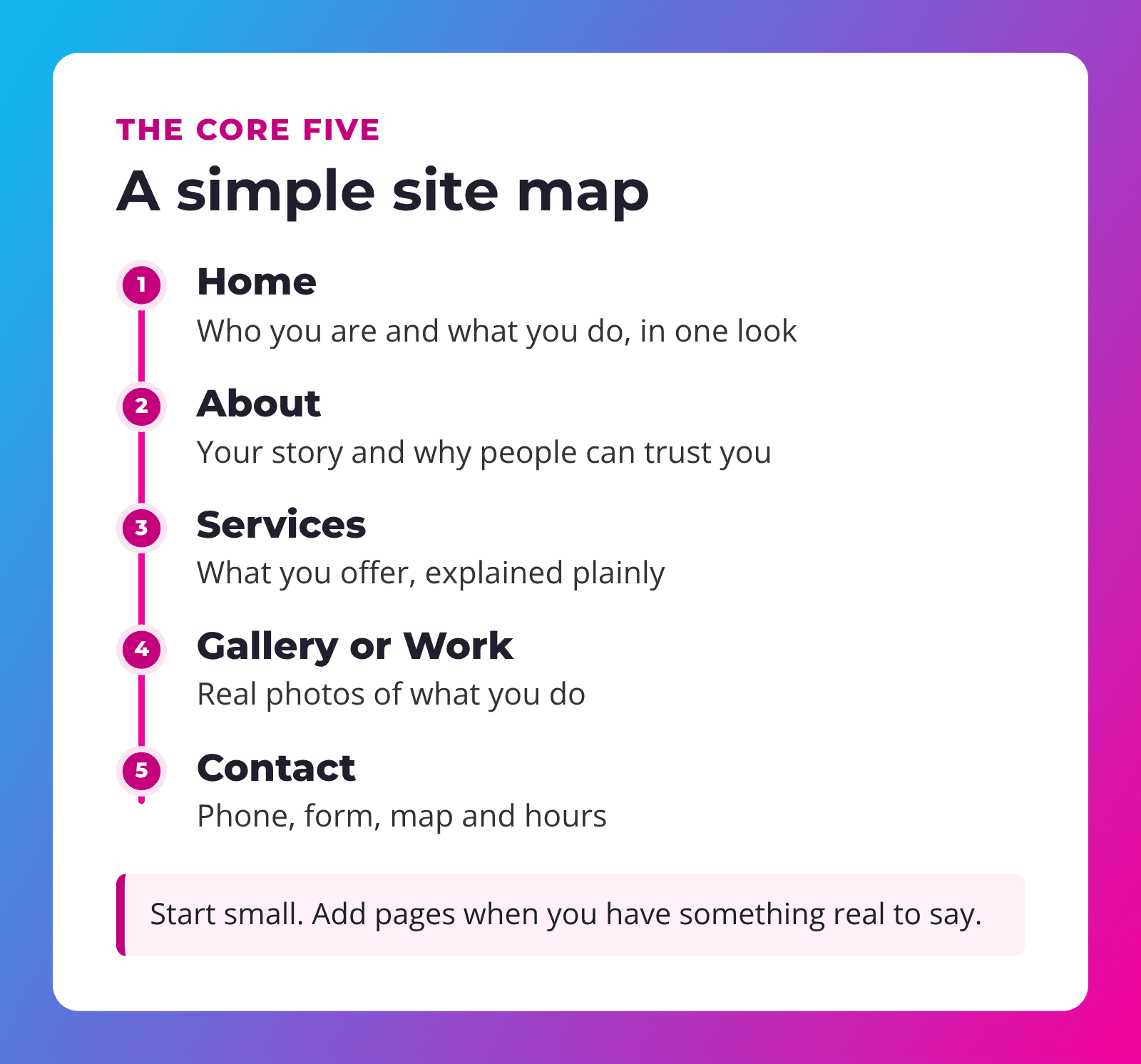
1. Home page
Your home page has one job: tell visitors, within a few seconds, what you do, who you do it for and what to do next. Include:
- A clear headline that says what you do and where (for example, "Family dental care in St. George").
- A short summary of your main services, with links to learn more.
- A real photo of your team, your work or your location.
- One obvious button, such as "Call now" or "Request a quote."
- A few signs of trust, like years in business or reviews you've actually received.
2. About page
People buy from people. Your About page tells your story: who you are, how long you've been doing this, and why you care. Add photos of real people. A stock photo of a smiling stranger tells visitors nothing.
3. Services page
Describe what you offer in plain words, the way a customer would ask about it. If you offer several very different services, give each its own page. That helps visitors find exactly what they need, and it helps search engines understand what you do.
4. Gallery or Work page
Show, don't tell. Before-and-after photos, finished projects, your menu, your shop floor. Use your own photos whenever you can, and keep the file sizes reasonable so the page loads quickly.
5. Contact page
This is where visitors become customers, so make it effortless.
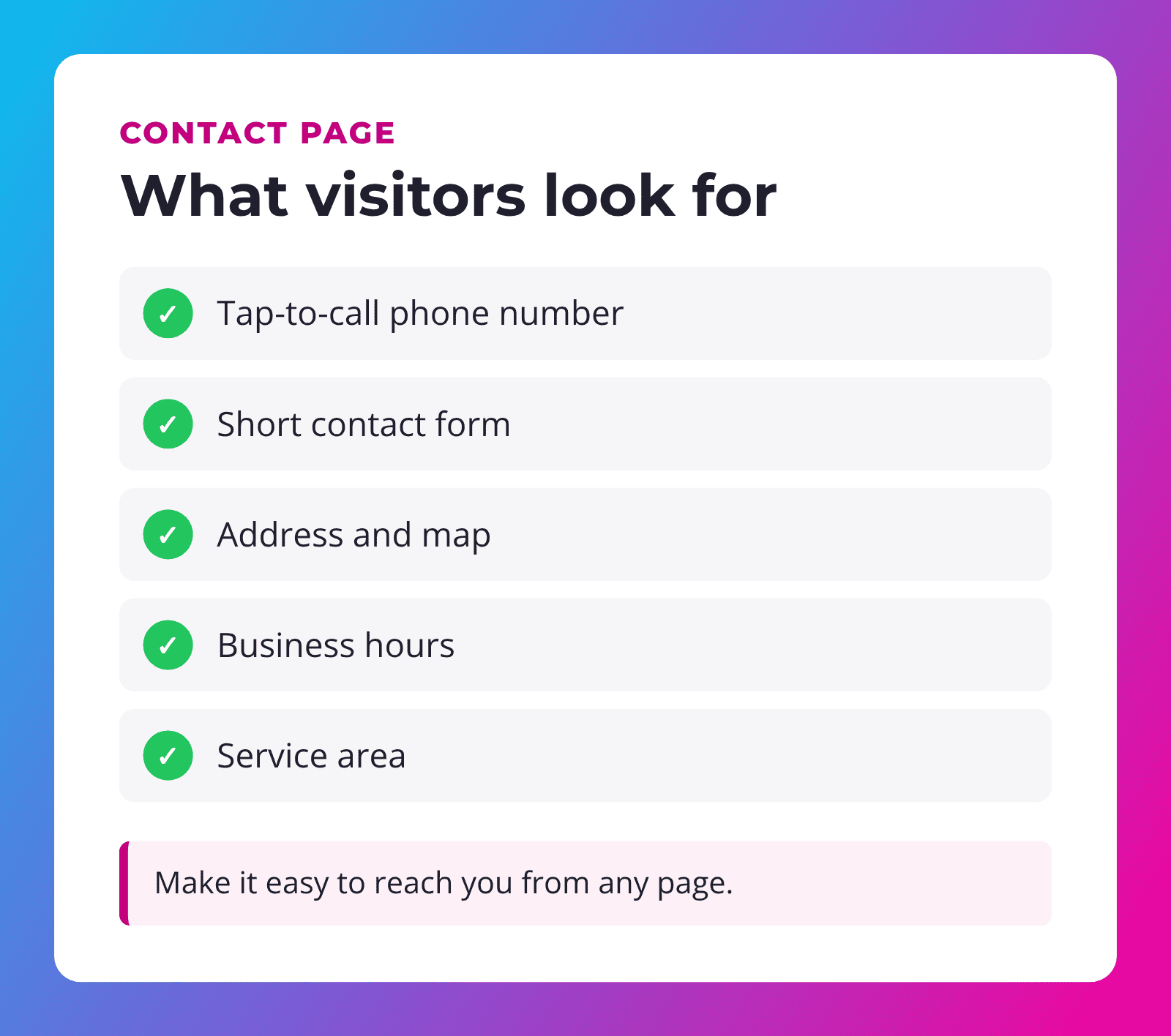
Put your phone number in the header or footer too, so people can reach you from any page without hunting.
Tip: write each page around one question. Home: "Am I in the right place?" Services: "Do they do what I need?" Contact: "How do I reach them?"
Pages that protect you
Privacy policy
If your site collects any information, even just a name and email through a contact form, a privacy policy explains what you collect and what you do with it. It's a good habit and builds trust. Talk to a professional about what yours should say.
Terms of service (if you sell online)
If you take payments or bookings online, clear terms help set expectations around refunds, cancellations and delivery.
Accessibility statement
A short page that explains your commitment to accessibility and how people can report a problem. If accessibility is new to you, our ADA website compliance guide explains the basics in plain English.
Extras worth adding later
These pages can be great, but only when you have real content for them:
| Page | Add it when… |
|---|---|
| FAQ | You answer the same questions on the phone again and again. |
| Reviews | You have genuine reviews from real customers to share. |
| Blog | You can commit to posting helpful articles regularly. |
| Online booking | You take appointments and want fewer phone calls. |
| Online store | You sell products and want to take payments online. |
| Careers | You hire regularly and want applicants to find you. |
An empty blog with one post from three years ago looks worse than no blog at all. Start with the core pages, then grow.
What every page should have
- A clear heading that says what the page is about.
- A next step, like a call button, a quote form or a link to related services.
- Your contact details in the header or footer.
- Mobile-friendly layout. Many of your visitors will be on their phones.
- Descriptive image text (alt text), so screen readers and search engines understand your photos.
- Fast loading, with images sized for the web.
"A small site with clear pages beats a big site nobody can find their way around."
Common page mistakes to avoid
- Hiding the phone number. If someone has to dig for it, many won't bother. Put it at the top of every page.
- Writing for yourself instead of your customer. "We are passionate about excellence" says less than "We fix furnaces in Cedar City, usually the same day."
- Too many menu items. A menu with twelve choices is hard to scan, especially on a phone. Group related pages together.
- Out-of-date details. Old hours, a holiday sale from last year or a staff member who left two years ago make visitors wonder if you're still open.
- Pages with no next step. Every page should end with a clear way to call, book or ask a question.
- Huge photos straight off the camera. They look great but can make pages slow, especially on mobile data.
None of these are hard to fix. The trick is having someone who checks your site regularly and can make small changes quickly.
How we handle it
Our website packages include five pages, which covers the core list above for most local businesses. You provide your text and photos through a simple online form, and we design and build the site in Divi 5. Need more? Extra pages, a blog or an online store are available as add-ons, with prices listed up front.
After launch, a Service Plan keeps everything updated, backed up and secure, and includes time each month for small content changes like new photos or updated hours.
Frequently asked questions
How many pages should a small business website have?
Five is a solid start for most local businesses: Home, About, Services, Gallery or Work, and Contact. Add pages when you have real content for them.
Should each service have its own page?
If your services are quite different from each other, yes. Separate pages make it easier for customers to find what they need and help search engines understand what you offer.
Do I need a blog?
Only if you can keep it going. A blog with regular, helpful posts can bring in visitors. An abandoned one can make your business look inactive.
Do I need a privacy policy?
If your site collects any personal information, such as through a contact form, it's a good idea. A professional can help with the wording.
Can I add pages later?
Yes. Starting small and growing is often the smartest approach. Our Service Plans include content update time for small changes.
Ready to plan your website?
SU Web Agency has built websites for small businesses since 2010. We'll help you figure out exactly which pages you need, and nothing you don't.
Already have a website? Our Service Plans keep it fast, secure and up to date, starting at $79/mo.
