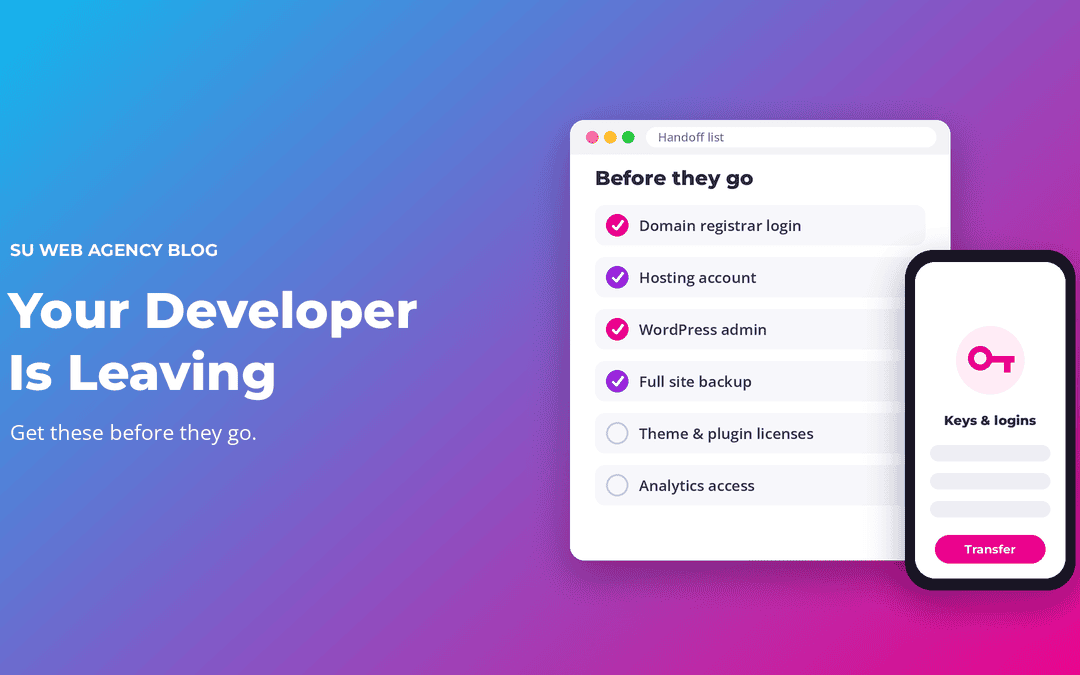
Your developer is moving on, and you're not technical. That's stressful, but it's very fixable, as long as you get a few things in your own hands before they go. Here's the list, in order of importance.
1. Your domain name
The domain (yourbusiness.com) is the most important thing you own online. Find out where it's registered, and make sure the account is in your name with your email address. If the developer registered it under their own account, ask them to transfer it to you now, while they're still easy to reach.
2. Your hosting account
Hosting is where your website's files and database live. Get the login, or ask for the site to be moved to a hosting account you own. Note when it renews and what it costs.
3. A WordPress administrator account in your name
Don't share the developer's login. Ask them to create an administrator account for you, with your own email, and log in once to make sure it works.
4. A list of paid plugins, themes and licenses
Many sites use paid plugins or themes (Divi, for example) that need a license for updates. Ask for a list of each one, who the license is under, and when it renews. If licenses are in the developer's name, plan to buy your own.
5. A recent full backup that you've checked
Ask for a full backup of the files and database, and make sure it actually opens. Keep a copy somewhere other than the hosting account.
6. Everything else connected to the site
- Business email (if it's tied to the domain or hosting)
- Google Business Profile, Google Analytics and Search Console access
- Any forms, payment or booking services the site uses
- Where the site's images, logo and original design files are
After they leave
You have two good options:
- Do the basics yourself. Take a backup, then run WordPress, theme and plugin updates. Check the site afterwards. Do this regularly, not once a year.
- Hand it to a care plan. A fair plan tells you exactly what's included. For example, SU Web's Service Plans start at $79/mo and include hosting, daily backups, weekly WordPress/theme/plugin updates, weekly website checks and bug fixes, and content updates. If you already have a Divi site, you can contact us.
Whichever you choose, get the access list sorted first. It's what keeps you in control of your own website.
Related reading
- What a website care plan should include
- Website hosting vs. maintenance: what's the difference?
- What do monthly website fees actually cover?
SU Web Agency is a Cedar City web design agency serving Southern Utah first and small businesses nationwide. We sell care plans, so we're not neutral, but the checklist above applies to anyone you hire.
